
LogoMakr vs Canva for logos
Canva is an excellent all-round design tool. But a logo has a different job than a social post: it has to be yours, and it has to print. Here is an honest comparison.
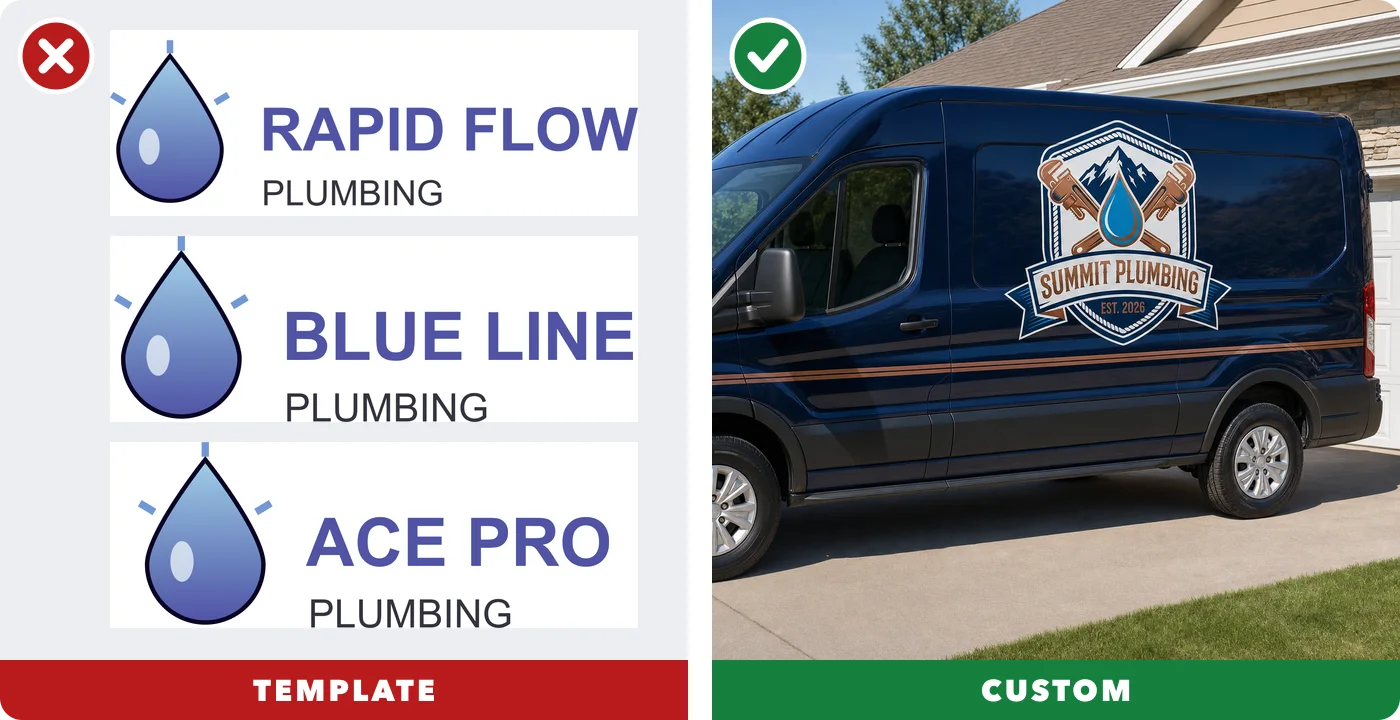
- Custom, not templates
- Real vector files
- Pay once
- Real designers on call
Updated October 2026. Competitor details are from their own websites; plans change, so check their current pages too.
Side by side
| LogoMakr | Canva | |
|---|---|---|
| How logos are made | ✓Custom, drawn for youCustom marks drawn by AI from your description, plus a full design canvas. Not a template library. | ✗Templates anyone can useCustomizable logo templates and stock elements. Canva says its templates "can be used by anyone" and your rights are non-exclusive. |
| Files you get | ✓Vector + transparent PNGVector SVG and PDF plus transparent PNG from the $60 Pro Kit; EPS too with Premium Finish. | !Vector on paid plansPNG, JPG, PDF. SVG and transparent PNG need a paid plan (Pro, Teams). |
| Price | ✓Pay once, from $29One-time packages from $29. No subscription. | !Subscription for pro filesFree plan; Canva Pro is a monthly or yearly subscription. |
| Ownership | ✓Yours aloneYou own your custom logo. Because the mark is drawn for you, it is not shared with other customers. | ✗Template logos can't be trademarkedLogos built from Canva templates or stock elements can't be registered as a trademark (Canva help). Original logos from simple shapes and fonts can. |
| Real designer option | ✓Real designer availableYes. Designer Finish: a real designer perfects your logo, unlimited revisions. Custom logo from scratch also available. | ✗Not foundWe didn't find a designer-finish option. |
| Mockups & brand | ✓See it on real thingsSee your logo on shirts, signs, vans, business cards and posts instantly. | ✓Huge template libraryHuge library of templates for social, print and video. |
What a print-ready logo looks like
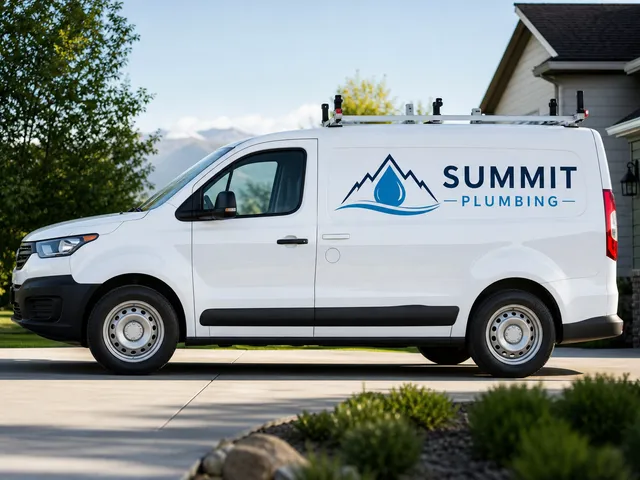
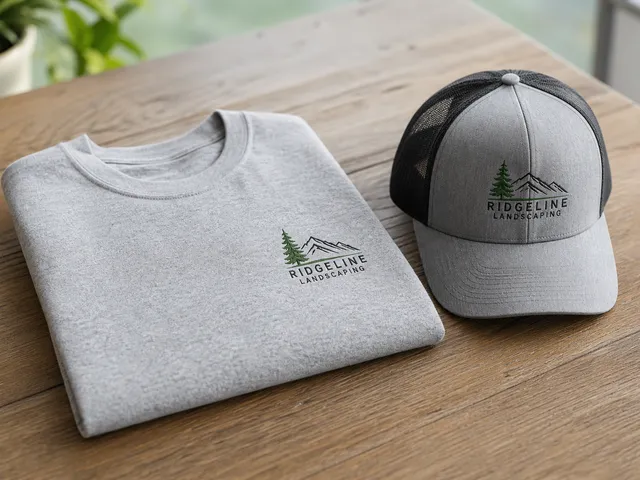
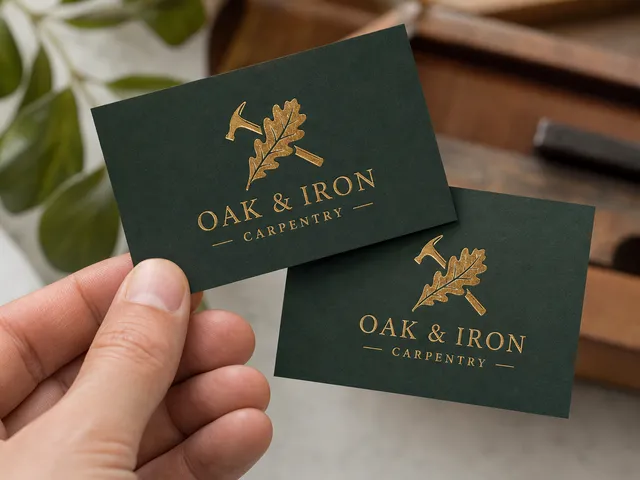
A good logo works everywhere your business shows up. These were made in the LogoMakr AI Studio:
Where Canva is better
- A huge template, photo and font library
- A free plan
- Social posts, presentations and video in one place
Why a custom mark matters
It's yours
A template logo can show up on hundreds of other businesses. A mark drawn from your own description is unique to you, which makes your business easier to remember.
It prints right
Sign shops, embroiderers and printers ask for vector files. LogoMakr gives you SVG, EPS and PDF along with a transparent PNG, so your logo stays sharp on a business card and on a truck.
Try it
Describe your business and see your logo on a van, a shirt and a sign in about a minute. Prefer a real person? Our designers can finish it for you.
Make my logo in the AI Studio →Questions
Can I trademark a logo I made in Canva?
Not if it uses Canva templates or stock elements. Canva's own help page says template-based logos are non-exclusive and can't be registered. A logo made only from your own simple shapes and fonts, or one you upload, is a different story. Always check with a trademark attorney.
Does Canva give you a vector logo?
Canva can export SVG on paid plans (Pro, Teams). On the free plan you get PNG, JPG and PDF.
Is LogoMakr better than Canva for logos?
For a logo you want to own and print, yes: LogoMakr draws a custom mark for you and gives you vector files in a one-time package. For social posts and everyday graphics, Canva is the better tool.
Will another business have the same logo as me?
Not with a custom mark. A template logo can be used by thousands of businesses. LogoMakr draws your mark from your own description, and LogoMakr never reuses a customer's logo.
How do I make my logo look custom, not like a template?
Use one strong font (two at most), two or three colours, and a simple mark that comes from your business: your name, your town, or what you are known for. Then check it small, like a profile picture, and on a dark shirt. Simple, original marks look more expensive than busy template ones.
Can I convert my Canva logo into a vector file?
Yes. Upload the PNG or JPG to a vector converter and download an SVG you can print at any size. Convert a Canva logo to vector →
How much does a logo cost on LogoMakr?
You can make your logo and see it on products before you pay anything. To download, every package is a one-time payment: Basic $29 (high-resolution PNG and JPEG), Pro Kit $60 (adds transparent PNG and print-ready vector SVG and PDF), and Premium Finish $120 (a real designer finishes your logo by hand, every file format plus a brand kit). A custom logo designed from scratch by a designer is $260.
Do I have to pay monthly?
No. Every LogoMakr package is a one-time payment. No subscription, no auto-renewal, and your files stay in your account so you can download them again any time.
Do I own my logo?
Yes, on every package: full commercial ownership, forever, and LogoMakr never reuses your logo. Trademark registration is a separate legal step; talk to a trademark attorney, because no logo tool can guarantee it.
Can a real designer help me?
Yes. With Premium Finish ($120) a real designer finishes your logo by hand, and if you are not happy they keep working on it (with a refund guarantee on the service). For a logo designed from scratch, order a custom logo ($260).
What files do I get?
Basic: high-resolution PNG and JPEG. Pro Kit: adds transparent PNG and the vector SVG and PDF that printers, sign makers and embroiderers ask for. Premium Finish: every format including EPS, in colour and black and white, plus a brand kit.
Sources: Canva: Trademarking logos created on Canva · Canva: Download your designs