
The best AI logo maker for print-ready logos
Most AI logo tools look great on a screen. What matters for a real business is what happens next: the sign shop, the shirt printer, the van wrap. We compared the popular options on the things printers ask for.
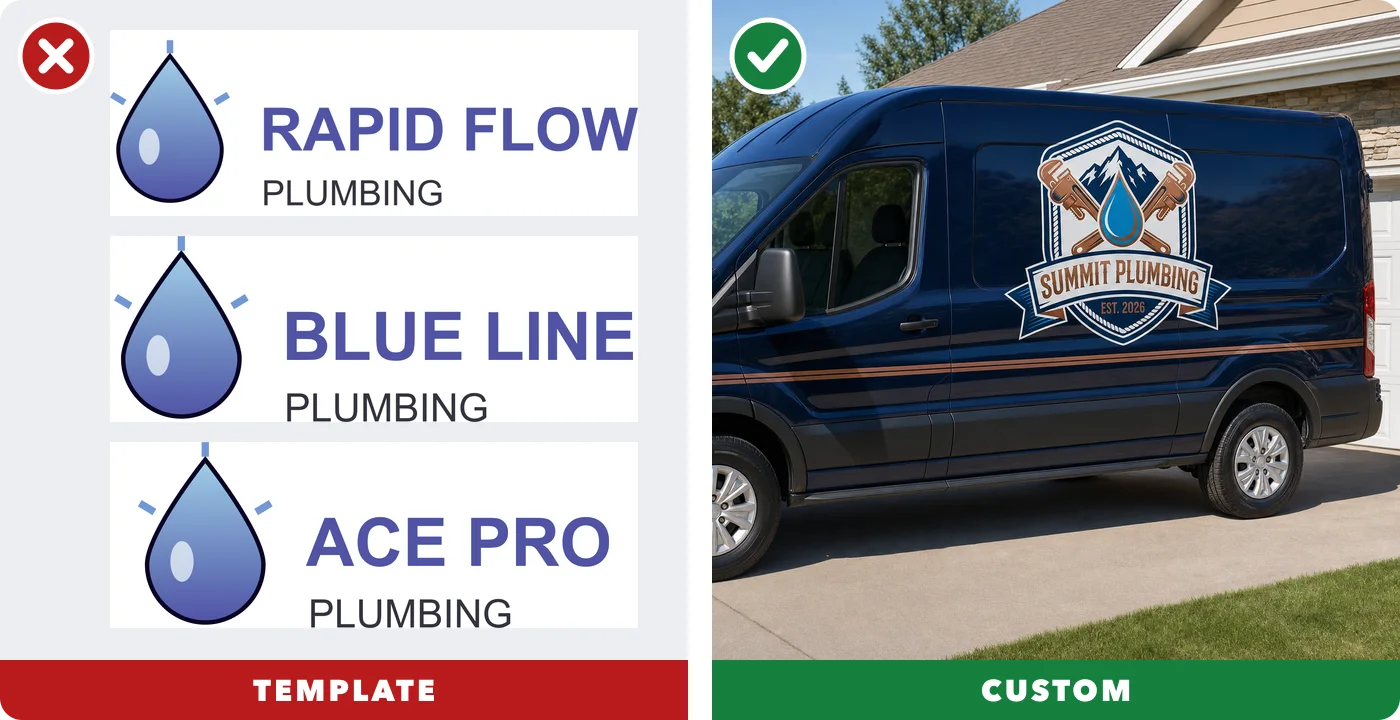
- Custom, not templates
- Real vector files
- Pay once
- Real designers on call
Updated October 2026. Competitor details are from their own websites; plans change, so check their current pages too.
Side by side
| Tool | How logos are made | Print files | Price | Real designer |
|---|---|---|---|---|
| LogoMakr | Custom AI-drawn mark + canvas | !SVG, PDF, transparent PNG (Pro Kit); EPS too (Premium Finish) | One-time, from $29 | ✓Yes (Designer Finish) |
| Canva | Templates + stock elements | !SVG & transparent PNG on paid plans | Free / subscription | ✗Not found |
| Design.com | Template library + AI tools | ✓EPS, SVG, PDF, PNG | Subscription | !Mentioned in terms |
| Looka | AI + symbol library | !Vector on higher package | One-time + optional subscription | ✗Not found |
| Adobe Express | Icons + Firefly AI | !SVG & transparent PNG on Premium | Free / $9.99 a month Premium | ✗Not found |
| Wixel (Wix) | AI generator + templates | ✓SVG, transparent PNG, JPG | Free plan with AI credits | ✗Not found |
| ChatGPT | AI image | ✗PNG picture only | Subscription | ✗No |
What a print-ready logo looks like
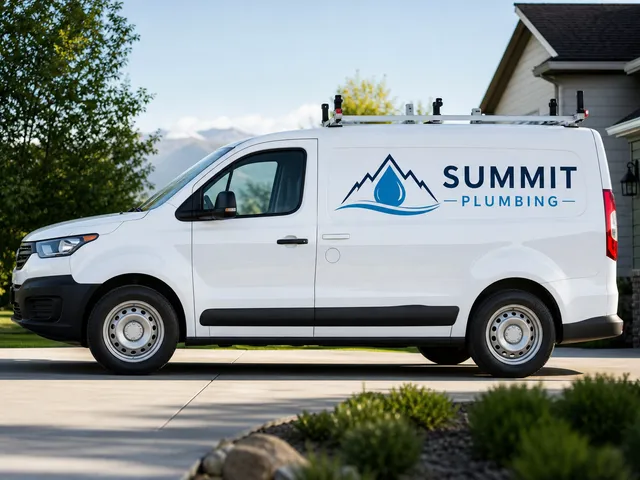
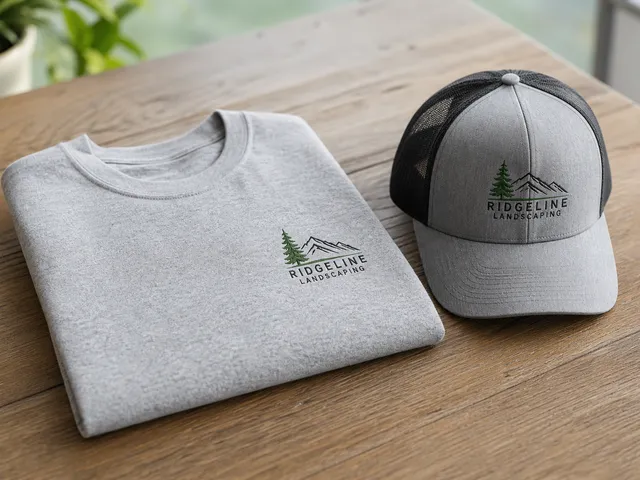
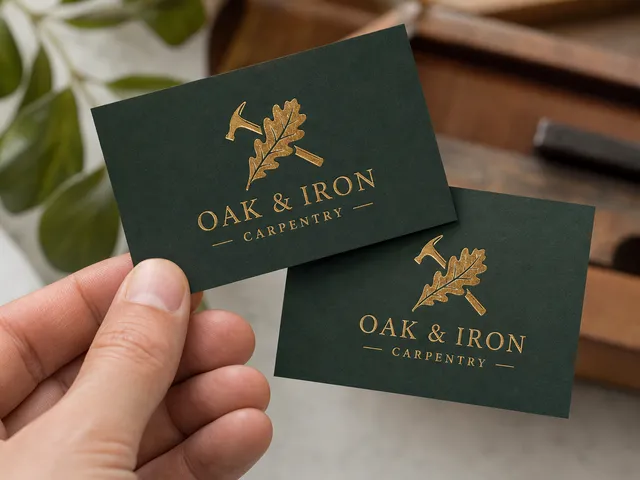
A good logo works everywhere your business shows up. These were made in the LogoMakr AI Studio:
Why a custom mark matters
It's yours
A template logo can show up on hundreds of other businesses. A mark drawn from your own description is unique to you, which makes your business easier to remember.
It prints right
Sign shops, embroiderers and printers ask for vector files. LogoMakr gives you SVG, EPS and PDF along with a transparent PNG, so your logo stays sharp on a business card and on a truck.
Try it
Describe your business and see your logo on a van, a shirt and a sign in about a minute. Prefer a real person? Our designers can finish it for you.
Make my logo in the AI Studio →Questions
What file does a printer need for my logo?
Usually a vector file: SVG, EPS or PDF. Vectors stay sharp at any size, from a business card to a truck. A PNG or JPG is a picture made of pixels and gets blurry when it is enlarged.
Can I use a ChatGPT logo for printing?
ChatGPT gives you a picture (PNG), not a vector file. You can convert it to a vector at logomakr.com/fix before you send it to a printer.
What is the best AI logo maker for small businesses?
One that draws a logo you own, gives you vector and transparent files, and lets you see it on real things like trucks and shirts before you pay. That is what LogoMakr's AI Studio was built for.
How do I turn a ChatGPT logo into a vector file?
Download the image from ChatGPT, upload it to a logo vector converter, remove the background, and download the SVG. Check that thin lines and letters came through cleanly before you send it to a printer. Convert a ChatGPT logo to vector →
Why does my logo look blurry when it is printed?
Because it is a pixel image (PNG or JPG) being stretched bigger than it was made. A vector file (SVG, PDF or EPS) is made of shapes, not pixels, so it stays sharp from a business card to a billboard. Convert PNG to vector →
Will my logo work on a truck wrap or a big sign?
Yes, if you have a vector file. Wrap and sign shops scale the vector to any size with no blur. Keep the design simple so it still reads from across the street.
Can my logo be embroidered on shirts and hats?
Yes. Embroidery shops turn your vector file into stitches, so send them an SVG or PDF. Logos with two or three solid colours and no gradients stitch best.
What is the difference between a PNG and an SVG?
A PNG is a picture made of pixels and is great for websites and social media. An SVG is a vector made of shapes and is what you need for print, because it scales to any size. A good logo package gives you both. Vector converter →
Do I need a transparent background?
Yes, for most uses. A transparent PNG sits cleanly on your website, photos, videos and coloured backgrounds without a white box around it. Make a logo transparent →
How much does a logo cost on LogoMakr?
You can make your logo and see it on products before you pay anything. To download, every package is a one-time payment: Basic $29 (high-resolution PNG and JPEG), Pro Kit $60 (adds transparent PNG and print-ready vector SVG and PDF), and Premium Finish $120 (a real designer finishes your logo by hand, every file format plus a brand kit). A custom logo designed from scratch by a designer is $260.
Do I have to pay monthly?
No. Every LogoMakr package is a one-time payment. No subscription, no auto-renewal, and your files stay in your account so you can download them again any time.
Do I own my logo?
Yes, on every package: full commercial ownership, forever, and LogoMakr never reuses your logo. Trademark registration is a separate legal step; talk to a trademark attorney, because no logo tool can guarantee it.
Can a real designer help me?
Yes. With Premium Finish ($120) a real designer finishes your logo by hand, and if you are not happy they keep working on it (with a refund guarantee on the service). For a logo designed from scratch, order a custom logo ($260).
What files do I get?
Basic: high-resolution PNG and JPEG. Pro Kit: adds transparent PNG and the vector SVG and PDF that printers, sign makers and embroiderers ask for. Premium Finish: every format including EPS, in colour and black and white, plus a brand kit.
Sources: Canva help · Design.com licences · Adobe Express pricing · Wixel logo maker · Looka help