Vectorizing your logo…
Usually takes 10–15 seconds. Stay on the page.
It is a real vector now. Step 2 is making it work for print.
Vector PDF and SVG for your printer, plus a transparent high-resolution PNG and JPEG for your website and social profiles. Everything, in one download.
Sign up free to convert more.
THE PROOF
Both files started as the same Gemini logo. The left is the PNG Gemini gave you. The right is the vector SVG we traced from it. This is the difference between a clean print and a refund request.

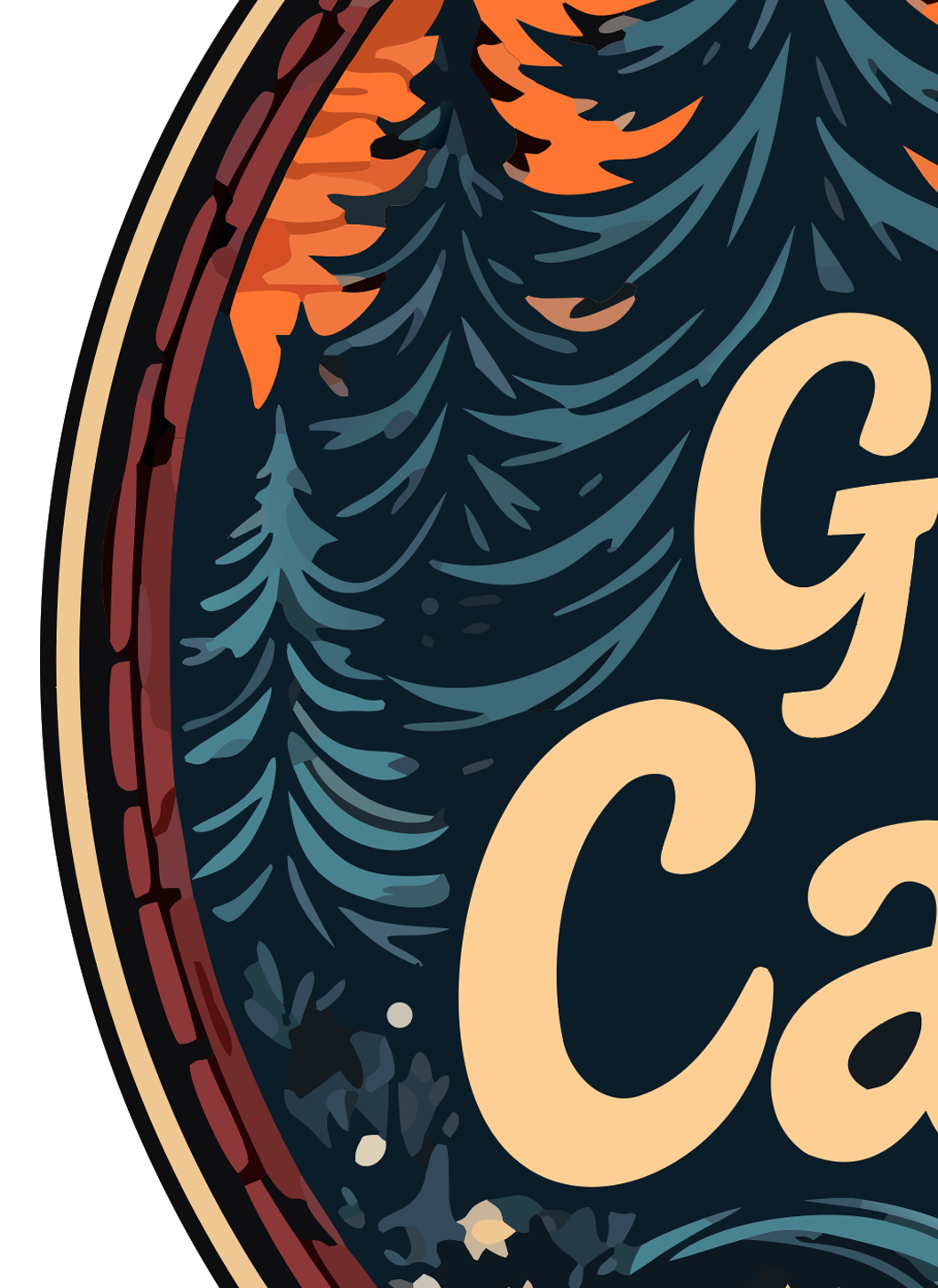
Real output, real zoom. Vector edges stay mathematical paths; raster edges turn into squares.
THE PROBLEM
Google's Gemini, and the Nano Banana model behind it, is genuinely good at logos: clean type, good composition, and it iterates with you. Then you download it and find two problems. It is a PNG, so it blurs the moment it is bigger than your screen. And the "transparent" background is not transparent: Nano Banana paints a soft gradient, a vignette, or a checkerboard pattern that imitates transparency, all baked into the pixels.
Gemini cannot export SVG. Ask it and you get a description of a vector, or a PNG renamed. Background-remover apps nibble the thin strokes and letters and leave a grey fringe. Neither gives you a file a sign shop, an embroiderer or a web developer will accept.
This tool handles the Gemini-specific problems: it accepts the PNG or WebP directly, snaps Gemini's soft anti-aliased edges to clean paths, removes the painted background properly, and gives you a multi-layer SVG with every color on its own editable layer. About ten seconds, free to try.
WHY US
We tested the popular converters with real Nano Banana logos. Most kept the fake checkerboard or flattened the colors into one shape. Here is how they compare.
| LogoMakr | Adobe Express | FreeConvert | Vector Magic | Picsvg | |
|---|---|---|---|---|---|
| Pro-quality output (clean separated layers) | ✓ | Low quality | Low quality | Paid only | Low quality |
| Accepts WebP (ChatGPT / Gemini) | ✓ | ✗ | ✓ | ✗ | ✗ |
| Background removed automatically | ✓ | ✗ | ✗ | ✗ | ✗ |
| Editable color layers (80+) | ✓ | Flat | Flat | Paid only | Flat |
| Free sample to try | ✓ SVG sample | Signup required | Watermarked | $9.95+ | ✓ |
| Conversion speed | 10 sec | 30+ sec | 30+ sec | 60+ sec | 30+ sec |
| Edit on built-in design canvas | ✓ | ✗ | ✗ | ✗ | ✗ |
USE CASES
Once the logo is a true vector it works on every printer, cutter and embroidery machine, at any size. This is what people use the result for.
HOW IT WORKS
No design experience needed. No software to install. Drop, wait 10 seconds, download.
The PNG or WebP you downloaded from Gemini or the Nano Banana app. Painted backgrounds are fine; we remove them.
Every color is traced to its own editable layer, the background is removed, and you get a true vector SVG that scales to any size.
Download the watermarked sample, or open it on the design canvas to fix a letter Gemini slipped on, swap a color or add a tagline. Clean files from $29.
Free to try. Drop the PNG or WebP from Gemini and get an editable, print-ready SVG with the background removed in 10 seconds.
⬆ Convert My Gemini LogoIt is watermarked, and it is yours to keep. Here is what the paid files add:
Step 2 · make it usable everywhere
Before you download the SVG, here's what most users actually need for real-world use. Get the same logo in vector PDF, high-resolution PNG, and JPG — the formats print shops, embroidery machines, business cards, and trademark filing require.
It takes 10 seconds, and your logo is saved to your account.