Vectorizing your logo…
Usually takes 10–15 seconds. Stay on the page.
It is a real vector now. Step 2 is making it work for print.
Vector PDF and SVG for your printer, plus a transparent high-resolution PNG and JPEG for your website and social profiles. Everything, in one download.
Sign up free to convert more.
THE PROOF
An old JPG logo zoomed in. On the left, compression blur and blotchy color. On the right, the rebuilt vector.

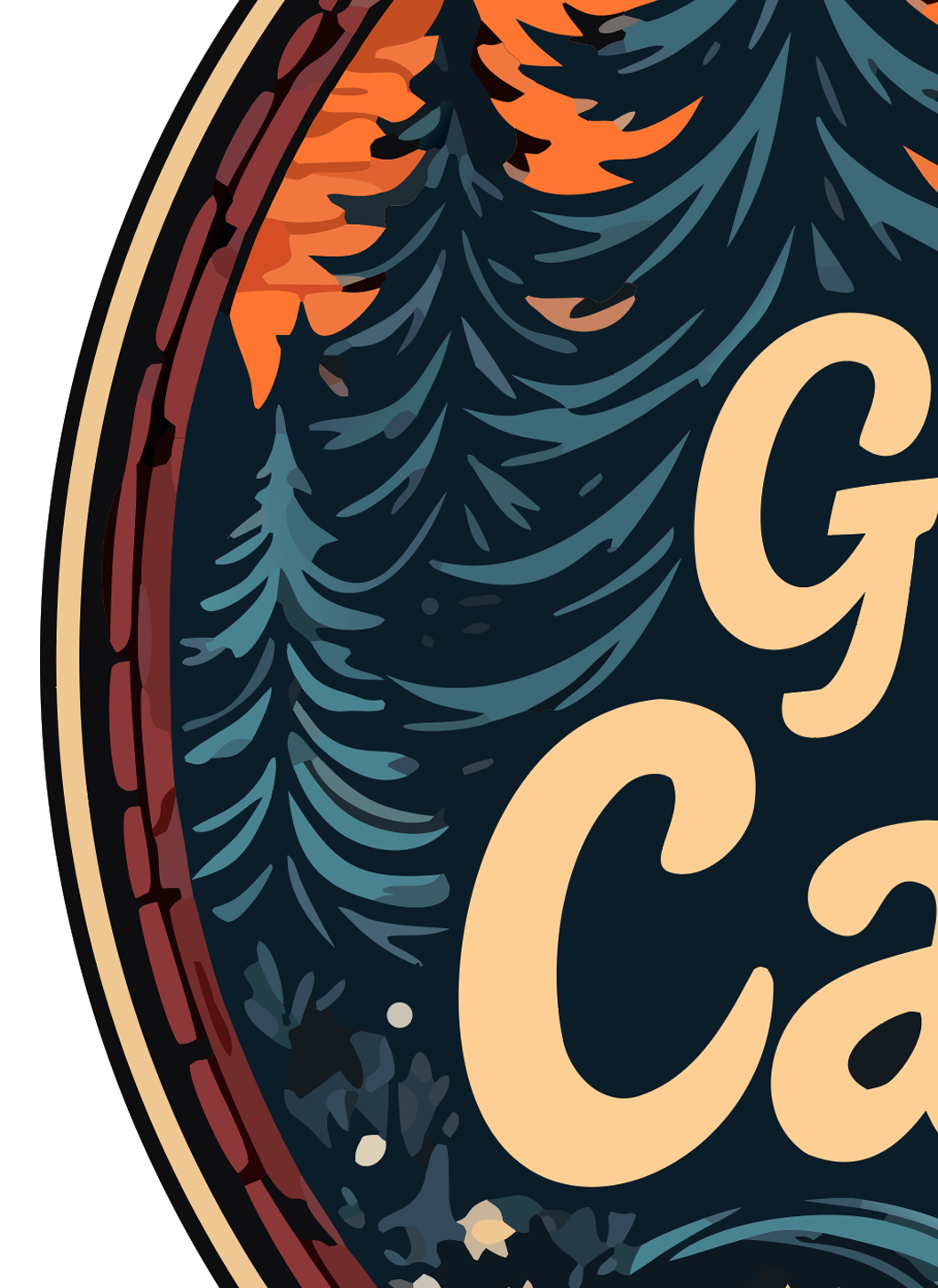
Real output, real zoom. Vector edges stay mathematical paths; raster edges turn into squares.
THE PROBLEM
It happens all the time: the designer is gone, the original file is lost, and all you have is a JPG saved from your website, an email signature or a photo of a business card.
JPGs are small pixel images, often with fuzzy edges and blotchy color from compression. Enlarge one for a sign or a shirt and every flaw shows.
Upload your JPG and we rebuild the logo as clean vector shapes: smooth edges, solid colors, sharp at any size. It becomes the master file you should have had all along.
USE CASES
Once your JPG is a vector, you can finally use your logo everywhere again:
HOW IT WORKS
Even a low-quality JPG is worth a try.
Use the best copy you can find: the largest one works best.
Compression blotches are cleaned up and colors are made solid.
Zoom in to compare, then download or polish it on the canvas.
Upload the JPG you have and preview the vector in seconds.
⬆ Convert My JPGIt is watermarked, and it is yours to keep. Here is what the paid files add:
Step 2 · make it usable everywhere
Before you download the SVG, here's what most users actually need for real-world use. Get the same logo in vector PDF, high-resolution PNG, and JPG — the formats print shops, embroidery machines, business cards, and trademark filing require.
Sign in or create a free account to save this design and keep going. More conversions come with any package.