Last updated October 2026

Logo to Vector PDF

Turn your PNG or JPG logo into the vector PDF printers ask for

Vectorizing your logo…

Usually takes 10–15 seconds. Stay on the page.

✓ Real vector PDF, not a picture ✓ Editable colors ✓ Background removed (optional) ✓ Sharp SVG, PDF & PNG files

Step 1 of 2 · your logo is traced

It is a real vector now. Step 2 is making it work for print.

Vectorized (SVG)
Get my professional files  →

Vector PDF and SVG for your printer, plus a transparent high-resolution PNG and JPEG for your website and social profiles. Everything, in one download.

Sign up free to convert more.

THE PROOF

Look What Happens When You Zoom In

The same logo printed large. On the left, a picture saved inside a PDF. On the right, a real vector PDF.

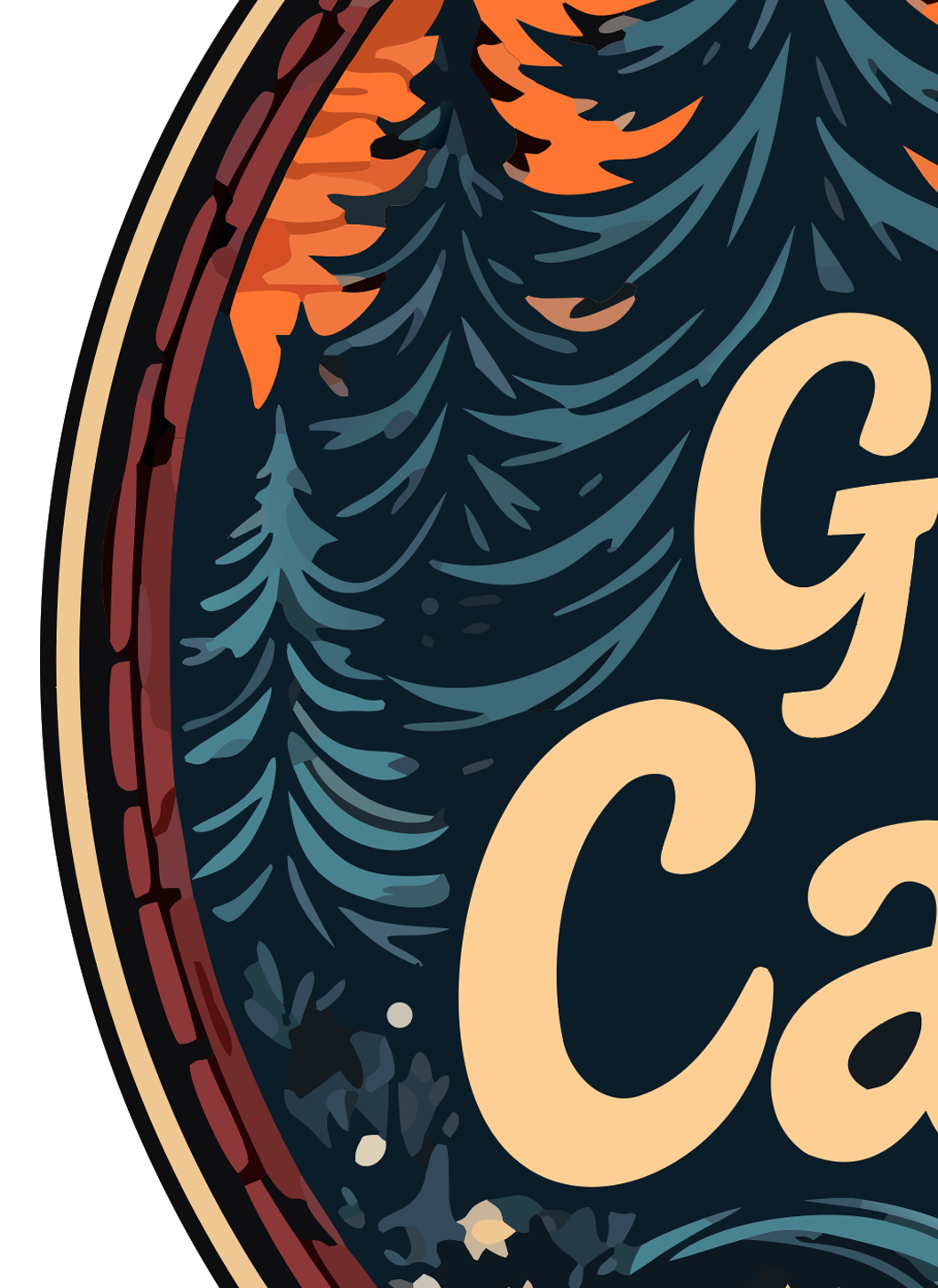
✗ RASTER (PNG)
Original raster PNG logo zoomed in — pixelated and blurry
Pixelated and blurry — embarrassing on a sign or shirt.
✓ VECTOR (SVG)
Vectorized SVG logo zoomed in — edges remain crisp and clean
Crisp at any size — print on a billboard, still sharp.

Real output, real zoom. Vector edges stay mathematical paths; raster edges turn into squares.

THE PROBLEM

“Can You Send It as a PDF?” Why Saving as PDF Isn’t Enough

When a printer asks for a PDF, they almost always mean a vector PDF: shapes and lines, not a picture. Putting your PNG inside a PDF (Print to PDF, Preview, Word) still gives them pixels, and it prints blurry.

A vector PDF stays sharp at any size: business cards, banners, vehicle wraps. It is the standard file for offset printers, sign shops and promotional product companies.

Upload your logo and we rebuild it as vector shapes. The Pro Kit includes the vector PDF and SVG, plus high-resolution PNG and JPG for everything else.

🖼️
What you have
PNG or JPG
A grid of pixels
📄
“Save as PDF”
Picture in a PDF
Still pixels
Still blurry
🖨️
What printers want
Vector PDF
Shapes, not pixels
Any size
✅
What you get here
Vector PDF + SVG
Print-ready
Preview first

USE CASES

Where Printers Ask for a Vector PDF

These are the jobs where a vector PDF is usually required:

💼
Business cards
Offset printers want vector artwork for crisp small text.
🪧
Banners & signs
Large-format printers scale the PDF to full size.
🚐
Vehicle wraps
Wrap shops need vector files that scale to a van side.
🎁
Promotional products
Pens, mugs and bags are printed from vector art.
📰
Brochures & ads
Magazines and print ads ask for PDF artwork.
🏷️
Labels & packaging
Label printers and box makers need vector logos.

HOW IT WORKS

Get a Vector PDF of Your Logo in 3 Steps

No design software needed.

1

Upload your logo

PNG, JPG or WebP, the file you have now.

2

We rebuild it as vector

Your logo is traced into clean shapes in seconds.

3

Download the PDF

Preview it, then download the vector PDF and SVG for your printer.

Common Questions

What is the difference between a PDF and a vector PDF?
A regular PDF can contain a picture made of pixels. A vector PDF contains shapes and lines, so it stays sharp at any size. Printers want the vector kind.
If I save my PNG as a PDF, is that a vector PDF?
No. The PDF still contains the same pixels, so it prints blurry when enlarged. The logo has to be traced into vector shapes first.
Which package includes the vector PDF?
The Pro Kit includes the print-ready vector PDF and SVG, plus high-resolution PNG and JPG.
Will the printer accept this PDF?
Yes. Vector PDF is the most widely accepted print format for logos.
Can I see it before I pay?
Yes. You can preview the traced logo and zoom in to check the edges before buying.
Can I change the colors first?
Yes. Open it on our canvas to recolor or adjust it before downloading.

Get the vector PDF your printer asked for

Upload your logo and preview the vector version in seconds.

⬆ Make My Vector PDF